

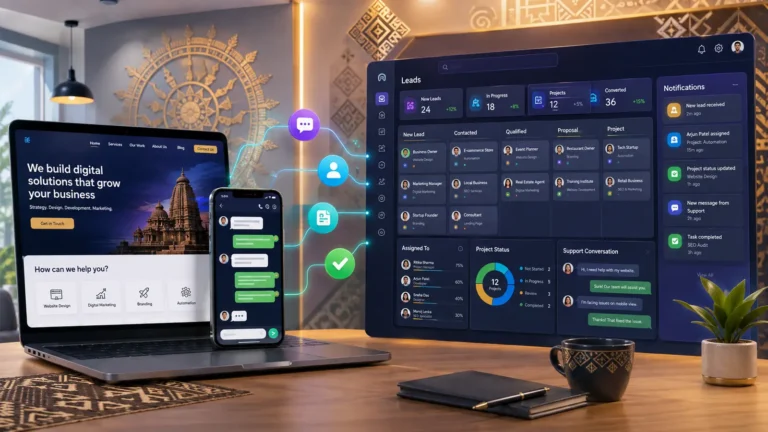
Custom CRM software in Odisha can give a growing business one organised system for enquiries, customers, follow-ups, quotations, projects, payments and support. CRM means customer relationship management. It is not merely an address book: when properly planned, it records the customer journey, assigns responsibility and helps the team understand what should happen next.
A custom CRM is not necessary for every company. Many businesses can begin with a reputable ready-made product. Custom development becomes valuable when the business has a distinct workflow, repeated manual work, several disconnected tools or client-facing requirements that standard software cannot handle efficiently.
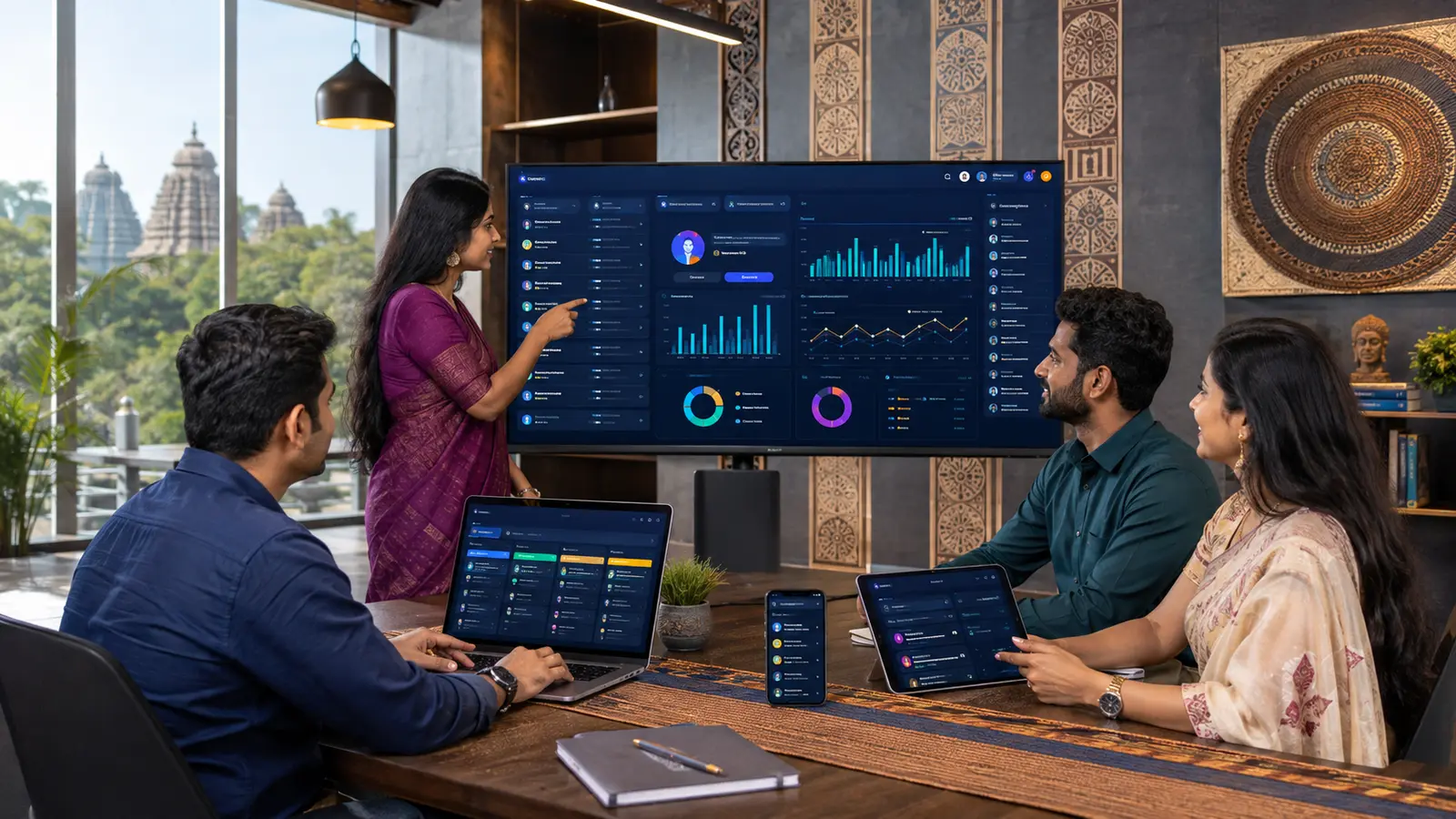
Custom CRM software in Odisha: signs your business may need it
- Enquiries are scattered across forms, calls, WhatsApp and personal notebooks.
- Two employees contact the same lead while another lead receives no reply.
- Management cannot see quotation, project or payment status without asking individuals.
- Customer documents are stored in uncontrolled folders or chat histories.
- Follow-up depends entirely on memory.
- Reports require manually combining several spreadsheets.
- Clients repeatedly ask for updates that could be shown securely in a portal.
The goal is not to digitise a bad process exactly as it exists. First remove unnecessary steps and define ownership. Software should make a clear process easier, not make confusion faster.
Lead and website-enquiry management
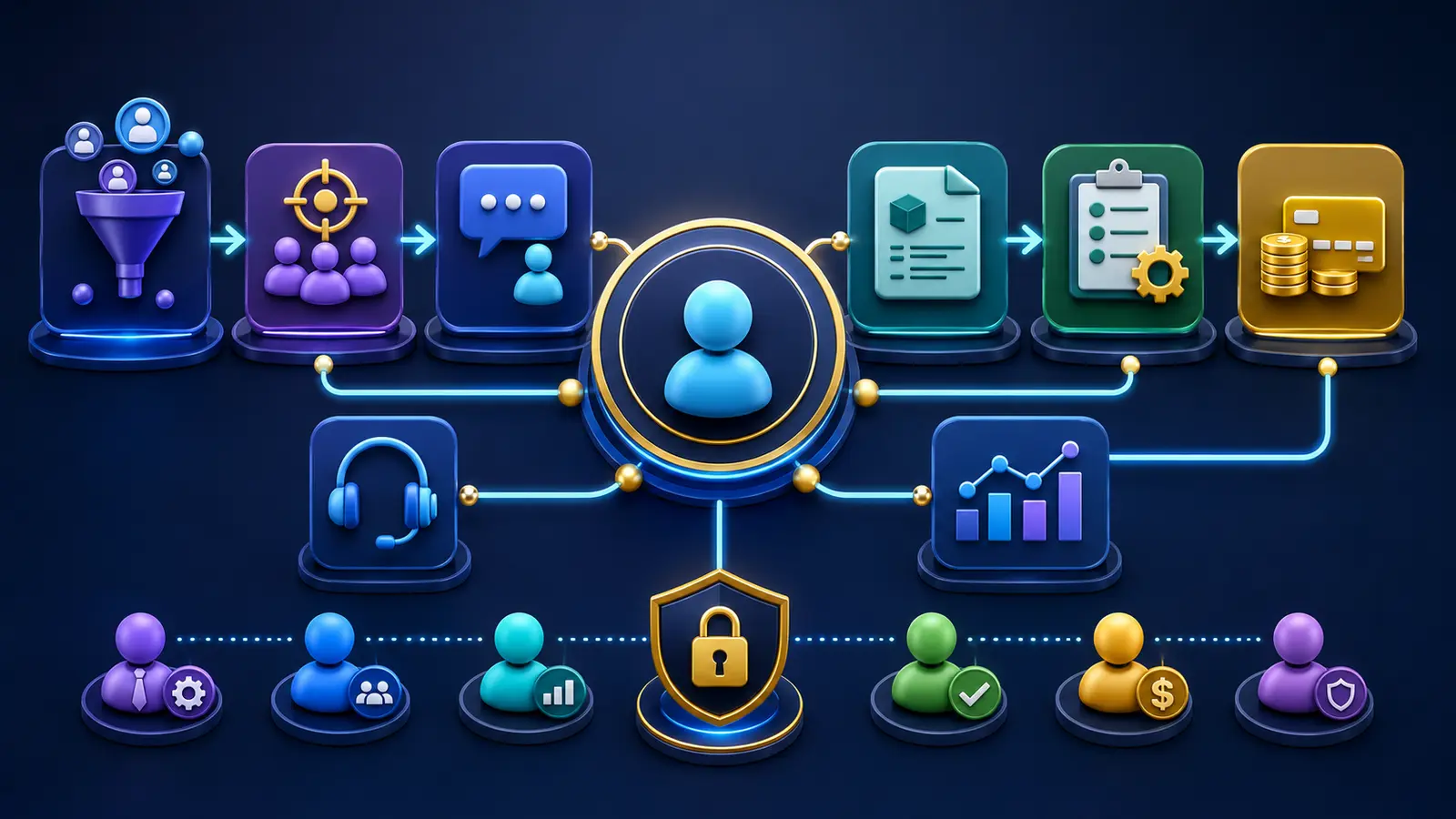
A contact form can create a lead with the selected service, message, source and contact details. The CRM can notify the responsible person, record the first response and set a follow-up date. Statuses such as new, contacted, qualified, quotation sent, won and closed must have agreed meanings so reports remain reliable.
Duplicate detection helps prevent multiple records for the same customer. However, matching rules need care because families, branches or organisations may share contact information. Staff should be able to merge or relate records without accidentally losing history.
Customer profiles and communication history
A customer profile may show contact details, consent, enquiries, quotations, projects, payments, support requests and internal notes. Permission controls should prevent every employee from viewing every field. Sensitive details should not be collected merely because the software can store them.
Email, live chat or approved WhatsApp workflows can be linked to the record, but the system should make clear what was sent automatically and what was written by a person. Important commitments should remain reviewable.
Quotations, approvals and conversion
The CRM can prepare an itemised quotation from approved services and add-ons. The client may accept, reject or request clarification. Once approved, the system can create a project, copy the agreed value and preserve the original scope. Subsequent changes should be recorded separately rather than silently modifying the agreement.
Project assignment and live progress
An administrator can assign a project owner, team members, milestones and target dates. A client dashboard may show a simplified progress timeline, shared files, revision balance and approved updates. Internal notes, security information and unfinished experiments should remain private.
Progress should be based on meaningful milestones, not an arbitrary percentage entered only to look active. Examples include requirements approved, design approved, development in progress, testing, client review and launched.
Payment requests and outstanding balances
A project-linked payment request can include amount, purpose and due date. For UPI, the client may see a QR code and submit a transaction reference after paying. The administrator should verify the payment against the business account before marking it complete. The system can then update paid amount, remaining balance and history for both dashboards.
The website must never request a UPI PIN, OTP or banking password. Automated gateway payments need signed callbacks, duplicate protection and reconciliation procedures. Refunds and adjustments also require an audit trail.
Support, revisions and subscriptions
Support tickets keep the question, assignee, priority, response and resolution together. Project revisions can be counted according to the written agreement. Subscription records may show plan, billing period, renewal date, included services and status. Reminders are useful, but repeated promotional messages should respect customer preferences.
Dashboards and reports
Useful reports answer operational questions: How many new leads arrived? Which services are requested? How quickly did the team respond? Which quotations are pending? What amount is verified or overdue? Which projects need attention? A crowded dashboard with dozens of charts can obscure decisions, so begin with measures that have an owner and an action.
Reports depend on consistent data. If staff skip status updates or use categories differently, the chart may look precise while being wrong. Training and simple input forms are as important as visual design.
Ready-made CRM versus custom CRM
A ready-made CRM is often faster to implement, receives vendor updates and may include mature integrations. It is a strong choice when the workflow is standard and the subscription terms fit. Custom CRM software can match unusual roles, local processes, client portals or project/payment logic, but it requires discovery, testing, hosting and ongoing maintenance.
A hybrid approach can also work: use a stable CRM platform and develop only the necessary integrations or frontend. Compare total cost, data export, limits, licences, support and vendor dependence—not simply the first month’s price.
Security requirements for customer data
Use role-based access, strong authentication, secure connections, validated uploads, activity records and tested backups. Remove accounts when staff leave and review administrator permissions. The NIST Cybersecurity Framework provides organisations with a structured way to understand and improve cybersecurity risk management.
No CRM is permanently “secure” after launch. Updates, monitoring, incident response and recovery remain continuing work. The business should know where data is stored, how it can be exported and what happens when a service ends.
Data migration
Existing spreadsheet records may contain duplicates, incomplete fields and inconsistent formats. Before import, decide which source is authoritative, map columns, clean the data and create a backup. Test with a small sample, verify relationships and only then migrate the full dataset. Keep the original export until the result is approved.
Integrations and automation
A CRM might connect with the website, email, accounting, payment gateway, calendar, cloud storage or marketing tools. Use supported APIs and minimum permissions. Automation should include failure alerts and a human review path. If an external service changes or becomes unavailable, the team needs a fallback procedure.
Development process for a custom CRM
- Discovery: map users, data, current steps, problems and success measures.
- Scope: define the smallest valuable release, exclusions and acceptance criteria.
- Prototype: test navigation, roles and key journeys before full development.
- Build: develop modules in reviewable stages.
- Test: verify permissions, validation, workflows, backups and mobile behaviour.
- Migrate and train: import approved data and teach each role.
- Launch and monitor: observe real use, fix problems and prioritise improvements.
What affects CRM development cost?
Cost depends on modules, user roles, dashboards, integrations, migration, client access, notifications, reports, hosting and support. Balasore Web Services advertises eligible SaaS and web-application work from ₹3,999, but a multi-module custom CRM requires a scope-specific quotation. Use the price calculator to organise the initial requirements.
Frequently asked questions
Can CRM connect to my existing website?
Usually, if the website and CRM provide an appropriate API, webhook or secure integration method. Compatibility should be checked before promising automation.
Can customers see their projects?
Yes, through a role-controlled client portal. The portal should show only approved customer-facing information and files.
Can we add features later?
A modular architecture can support planned growth, but each addition still needs design, security review and testing. Record likely future needs during discovery.
Discuss a practical CRM first phase
To evaluate custom CRM software in Odisha, choose one costly workflow and measure its current delays or errors. Review our SaaS and web-application services and related SaaS guide. Then request a CRM discovery discussion with Balasore Web Services. The strongest first release is usually the one employees can understand and use consistently.


0 reader comments
Share a relevant question or experience. Comments are reviewed before publication.