

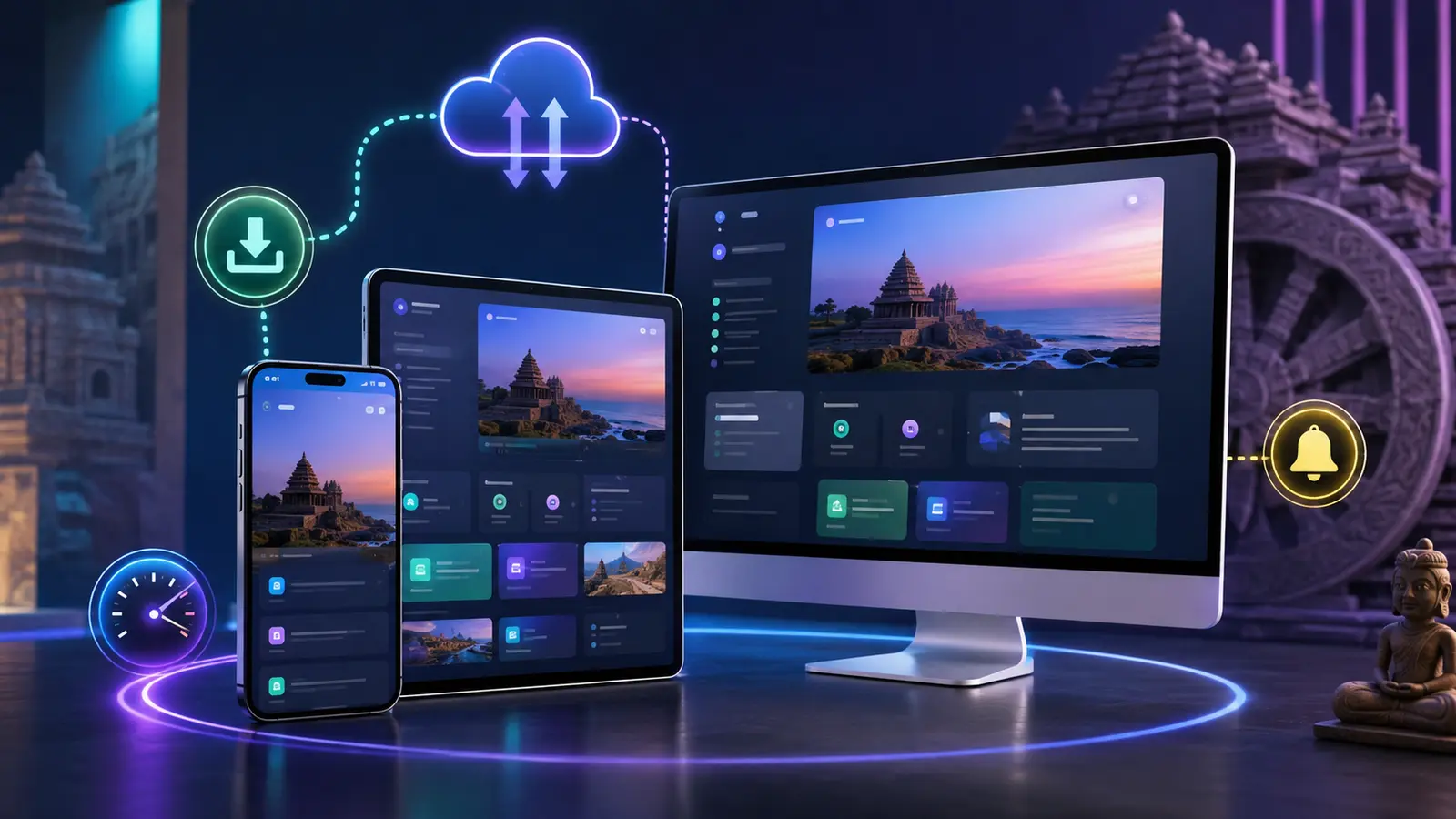
Progressive Web App development in Odisha gives businesses a way to offer an app-like experience through the web. A PWA can open from a normal link, work responsively across devices and, when browser requirements are met, be installed on a supported phone or computer.
Balasore Web Services develops websites, web applications, SaaS platforms and PWA features according to the required workflow. This guide explains when a PWA is useful, what installation really requires and when a native mobile application may still be better.
What is a Progressive Web App?
A Progressive Web App is a website enhanced with capabilities such as an application manifest, service worker, install experience, selected offline behaviour and notifications where supported and permitted. It remains accessible through a browser and uses web technologies.
Benefits of Progressive Web App development in Odisha
- One web-based product: a shared experience can support mobile and desktop users.
- Direct access: customers can open the service through a link before deciding whether to install it.
- App-like launching: supported installations can add an icon and open in a focused window.
- Performance options: carefully cached assets can improve repeat visits.
- Update simplicity: many changes become available when the web app is refreshed, without waiting for every user to download a full new package.
- Search access: public, crawlable pages can still support web discovery.
What is required for a PWA install prompt?
An install button alone does not guarantee that a browser will show its installation interface. Current Chrome guidance notes that install promotion depends on factors including HTTPS, the app not already being installed and user-engagement criteria. Browser and operating-system behaviour can differ.
A practical PWA setup may require:
- A valid web app manifest
- Correct app name, colours, scope and start URL
- Suitable application icons
- HTTPS across the site
- A registered service worker
- A tested offline or fallback strategy
- Responsive layouts and touch-friendly controls
- Install-state detection so prompts do not continue after installation
Good PWA use cases
Progressive Web App development in Odisha can suit education portals, customer dashboards, booking services, field tools, catalogues, local directories, content platforms and business-management systems. The strongest use cases have repeat visitors who benefit from quick access.
PWA versus native mobile application
A PWA can reduce duplication when the core service works well through web technologies. A native or cross-platform app may be more suitable when the product depends heavily on device-specific capabilities, background activity, specialised hardware, complex offline databases or app-store distribution.
The right choice should follow the requirement—not the label. Balasore Web Services can evaluate whether a responsive website, PWA or dedicated mobile application is appropriate.
Why PWA installation sometimes fails
- The site is not fully served over HTTPS
- The manifest contains missing or incorrect fields
- Icons do not meet browser expectations
- The service worker does not control the correct scope
- The app is already installed
- The user has not met browser engagement conditions
- The browser or in-app browser does not support the same flow
- A custom popup is shown without a captured install event
Our PWA development process
- Identify the repeat-use workflow and target devices.
- Audit the existing website or application.
- Plan the manifest, icons, scope and offline behaviour.
- Build responsive app-like navigation and screens.
- Implement and test the service worker carefully.
- Test installation on supported desktop and mobile browsers.
- Handle installed-state detection and update behaviour.
- Monitor errors, performance and user feedback after launch.
Web application and SaaS services begin from ₹3,999 for a limited starter requirement. PWA cost depends on the existing site, offline strategy, functions, notifications and testing scope.
Explore our development services, SaaS development guide and project portfolio.
Frequently asked questions
Can every website become a PWA?
Many websites can add PWA capabilities, but the benefit and technical work depend on the site’s purpose, structure, hosting and required offline behaviour.
Will the install prompt appear immediately?
Not always. Browser support, HTTPS, engagement conditions, prior installation and manifest or service-worker validity affect the install experience.
Does a PWA work offline?
Only the resources and workflows deliberately designed for offline use. Complex live data may still require a network connection.
Can a PWA send notifications?
Notifications depend on browser and platform support, secure implementation and the user granting permission. Permission should be requested at an appropriate moment.
Is a PWA cheaper than a mobile app?
It can reduce separate-platform work for suitable use cases, but final cost depends on features, backend services, offline data and testing.
Choose the right application format
Progressive Web App development in Odisha is valuable when it improves a real repeat-use journey. Contact Balasore Web Services with your desired workflow and target users for a practical recommendation.
Official reference: Review web.dev’s current explanation of PWA installability criteria.


0 reader comments
Share a relevant question or experience. Comments are reviewed before publication.