

School website development in Odisha should serve students, parents, teachers, applicants and administrators—not simply display a large banner. A useful education website explains the institution, supports admissions, organises notices and learning resources, and remains easy to use on affordable mobile devices.
Schools and coaching institutes have different workflows, so the project should begin with users and responsibilities. A public website, learning platform, student information system and live-class tool are related but separate components. Combining everything without planning can create a confusing interface and difficult maintenance.
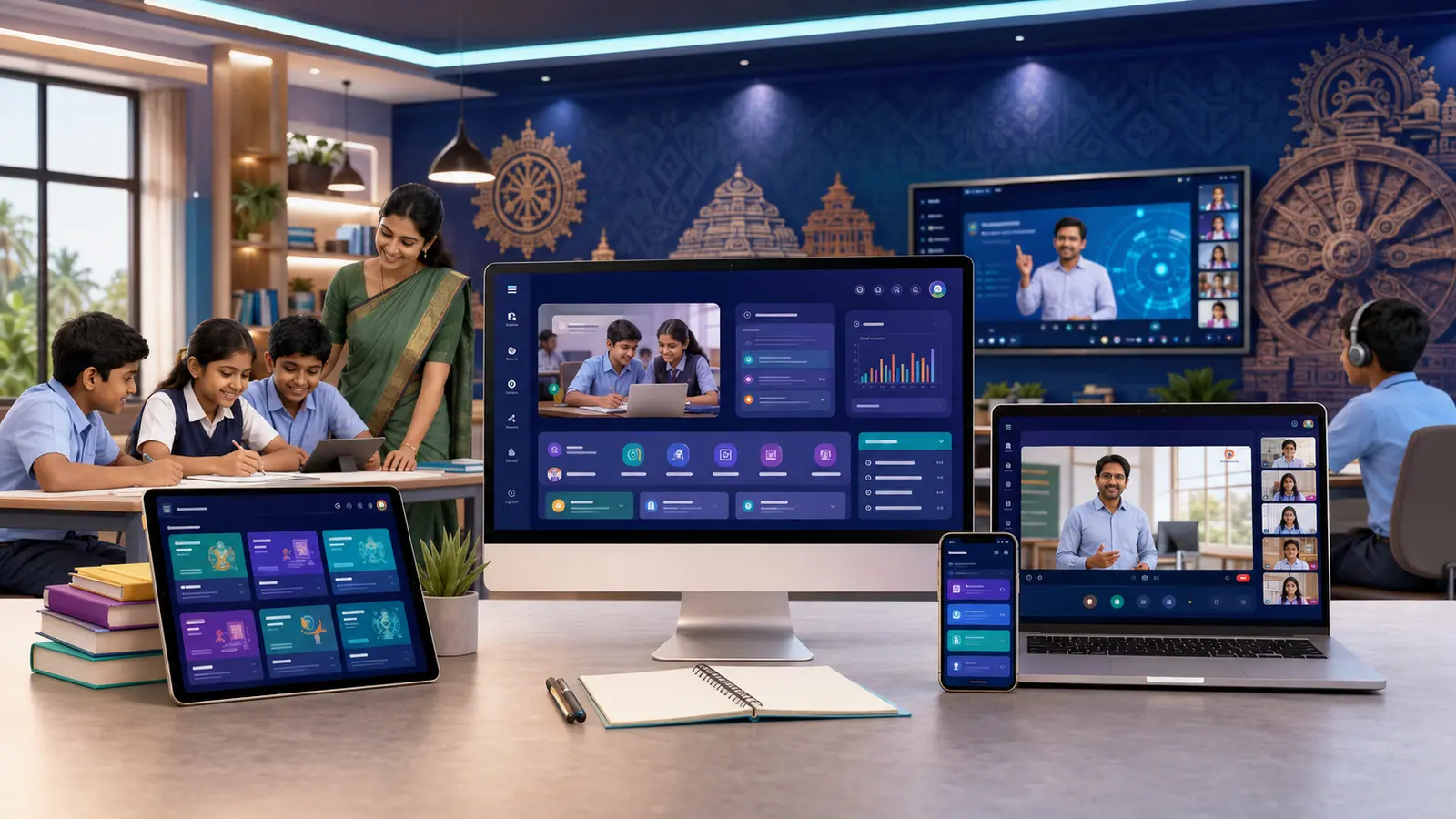
School website development in Odisha starts with an owned platform
Social platforms are useful for distributing updates, but they should not be the only source of official information. A website gives the institution a stable location for admissions, courses, faculty, policies, notices, achievements and contact details. Searchable pages can help families understand the institution before visiting, while structured archives prevent important notices from disappearing in a message stream.
The website also provides a controlled path to registration, payment or protected learning content. The institution can decide which information is public and which requires an authorised account.
Essential public pages
- Home: concise value, current announcements and important actions
- About: history, leadership, recognition and verified institutional information
- Courses or academics: classes, subjects, curriculum and learning approach
- Admissions: eligibility, process, documents, dates and enquiry form
- Faculty: genuine profiles with approved qualifications and roles
- Notices and events: dated, searchable and easy to update
- Resources: prospectus, schedules, forms and public learning material
- Gallery: compressed, captioned and permission-approved images
- Contact: address, map, phone, email, hours and transport guidance
- Policies: privacy, terms, refunds where applicable and accessibility contact
Online admission and enquiry system
An enquiry form should collect only the information needed for follow-up. An application system may require more data, uploads, status tracking and administrative review. Keep these journeys separate so casual enquiries are not forced to submit unnecessary personal documents.
Useful functions can include course selection, document checklist, application number, payment status and acknowledgement email. Administrators need filters, notes and export controls. Before launch, test validation, duplicate submissions, file limits, mobile keyboards and what happens after a failed payment.
Student registration and protected learning
If material is restricted to registered students, the public can still see clear course outlines and sample information. When a visitor opens protected content, show a respectful registration or login prompt rather than a blank page. Registered users should reach the correct dashboard according to their class, course or assigned access.
A logical learning structure might be subject → course → unit or chapter → topic or lesson → notes, diagrams, video and assessment. Consistent structure helps teachers publish and helps students understand where they are.
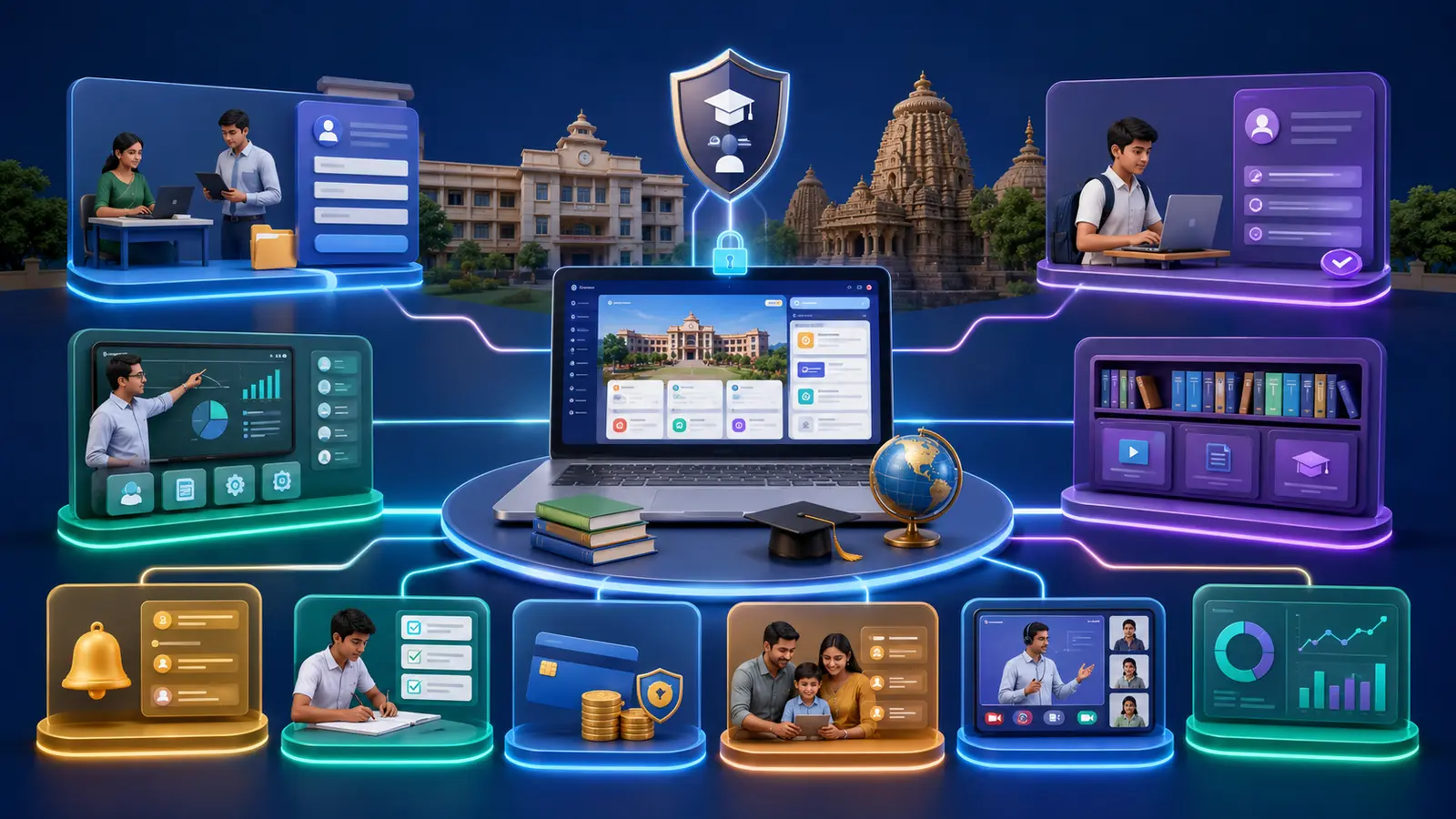
Teacher and administrator dashboards
A teacher-facing dashboard can create lessons, upload documents, schedule live classes, post notices and review assessments. An administrator may manage accounts, admissions, payments and site-wide settings. Roles should be separated so a content editor cannot accidentally change security or payment configuration.
The dashboard should work on ordinary laptops and mobile devices, but complex tables may need compact cards or responsive filters. Essential actions must not be hidden behind horizontal scrolling. Training and a documented publishing format help maintain consistency across teachers.
Online tests and student progress
Assessment features may include question banks, difficulty tags, randomised sets, timers, automatic marking for objective questions and teacher review for written responses. Progress information should be presented carefully and only to authorised users. Backups are particularly important before major examinations or bulk imports.
Begin with a small, testable assessment workflow. A complicated examination engine needs extensive validation for timing, reconnection, answer saving, accessibility and result rules.
Live classes and video integration
The website can organise live-class links, schedules and recordings while an approved video platform handles streaming. Do not expose private meeting links publicly. Define who can create sessions, who can join, how attendance is handled and when recordings are available.
Fee collection and payment records
Payment options may range from a simple UPI request with manual verification to a gateway that returns an automated status. The student dashboard should distinguish requested, submitted, verified, rejected and overdue amounts. Never ask users to enter a UPI PIN or banking password on the institution’s website.
Receipts, refunds, reconciliation and recurring fees require administrative procedures as well as code. The quotation should identify gateway charges and support responsibility.
Parent communication
A parent portal may show approved notices, attendance, assignments, progress or payment information. Account matching must be carefully controlled so one family cannot see another student’s data. For simpler institutions, permission-based email or messaging notifications may be more appropriate than a full parent dashboard.
Accessibility and inclusive design
Education content should support people with different abilities and devices. Use readable contrast, keyboard-compatible navigation, descriptive headings, text alternatives for meaningful images, captions or transcripts where feasible and clear form errors. W3C’s Web Content Accessibility Guidelines overview explains the international accessibility standard. Accessibility requires continuing attention to content as well as the original theme.
Mobile performance for Odisha audiences
Compress photographs, avoid decorative video that delays important information and load only necessary scripts. Students may use slower connections or limited data. A fast course list and readable note can be more valuable than constant visual effects. Consider a Progressive Web App only when installability or controlled offline behaviour has a clear use case; it does not replace good mobile design.
Privacy, security and backups
Minimise personal data, restrict account permissions and use secure connections. Protect login forms, keep software updated and maintain tested backups. Establish who can download student lists and how departed staff accounts are removed. Legal and policy requirements vary, so institutions should obtain qualified advice for their specific obligations rather than relying on a generic website article.
Website, LMS or custom education platform?
A public website is appropriate for information and enquiries. An LMS manages lessons, enrolment and learning progress. A custom platform may be justified when the institution has unique access rules, question-bank workflows or parent reporting. Start by comparing existing tools with the real process; custom development should solve a genuine need.
What affects development cost?
Important factors include public pages, design, content volume, languages, forms, roles, protected files, tests, payments, integrations, migration and support. A phased plan can launch the public site and admissions first, then add learning features after teachers test the structure. Use our price calculator for a preliminary estimate and request a scope-specific quotation.
Frequently asked questions
Can teachers update the website themselves?
Yes, when the content-management system and permissions are configured for that purpose. Training and reusable publishing templates reduce errors.
Can visitors see available chapters before registering?
Yes. A public course outline can show what is available while the full lesson remains protected. This supports informed registration without exposing restricted material.
Can the platform become a mobile app later?
Potentially. Responsive architecture and a suitable API can support future app development, but the mobile-app scope, security and store requirements should be planned separately.
Plan your education website
Effective school website development in Odisha begins with a content map, user roles and one clear phase. List what parents need before admission, what teachers must publish and what administrators must control. Explore Balasore Web Services’ website, LMS, SaaS and mobile-app services, then request an education-platform consultation. A focused system is easier to teach, maintain and improve than a crowded collection of features.

0 reader comments
Share a relevant question or experience. Comments are reviewed before publication.